
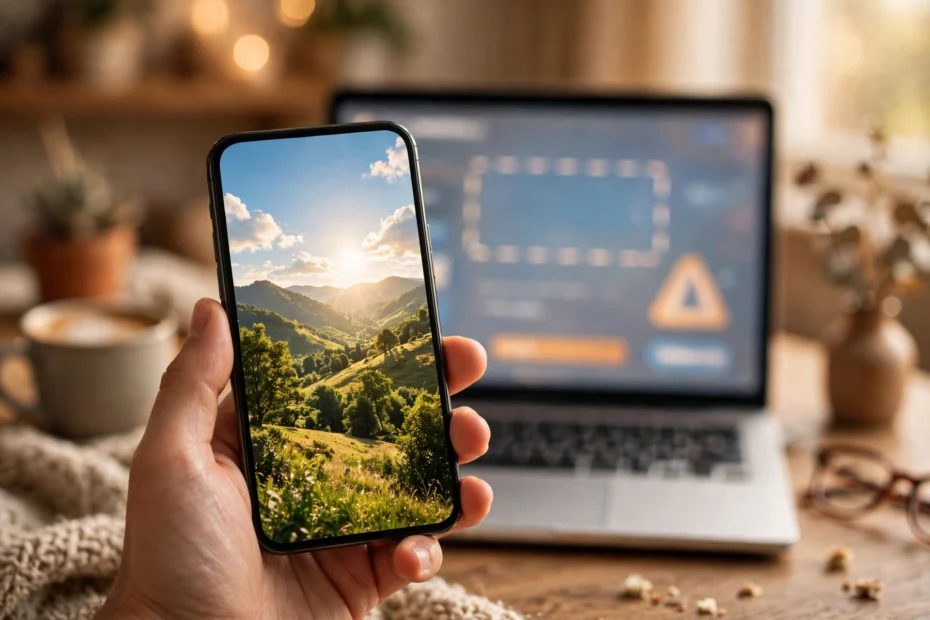
How to Resize a Photo on iPhone: Shortcuts, Photos & iOS 26
Your iPhone Photos app has no resize button — here is the free way: build a one-tap Shortcut, use Mail’s size option, or resize right inside this page.
Your iPhone Photos app has no resize button — here is the free way: build a one-tap Shortcut, use Mail’s size option, or resize right inside this page.
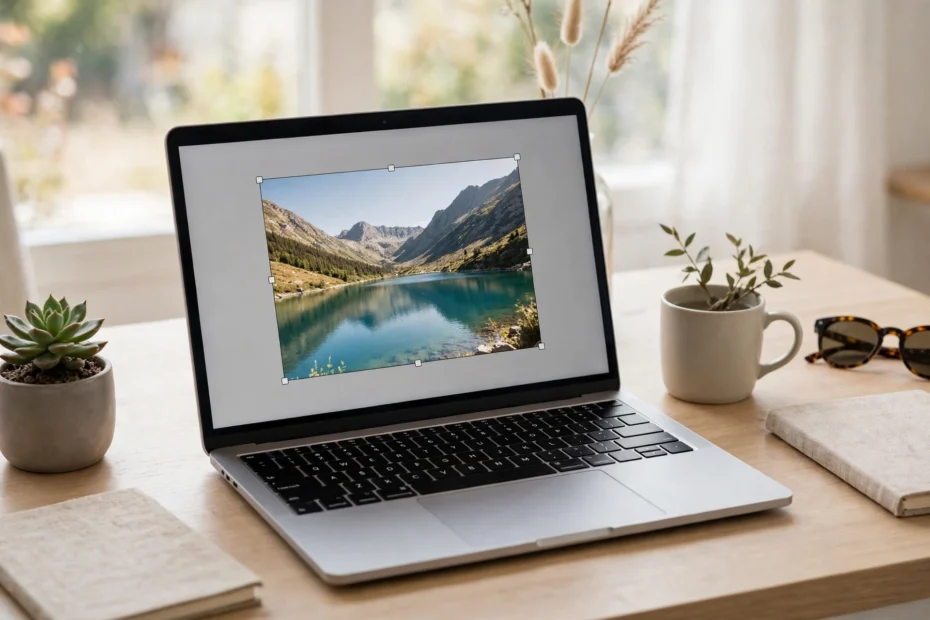
Resize any photo on a Mac with the free Preview app — no download needed. Exact steps, batch resizing, and the one checkbox that stops stretched photos.
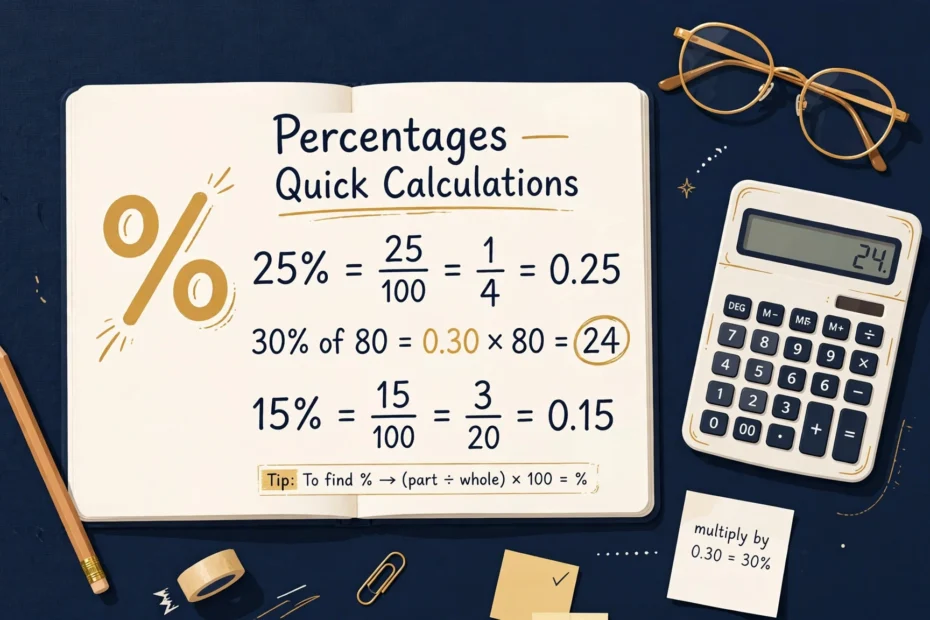
How percentages are calculated: the part, the change and the reverse formulas, percentage points vs percent, and the common mistakes that change the answer.
How BMI is calculated: the kg/m² formula and the 703 imperial version, worked examples, WHO categories, the healthy weight range for your height, and BMI limits.

How age calculators work: the borrowing method behind exact age in years, months and days, two worked examples, total days, and the February 29 problem.

The EMI formula explained with two worked examples: why your first payments are mostly interest, how the term changes the real cost of a car loan, and the flat-rate trap that makes a 10% quote…
Government photo rejected? DS-160 wants ≤240 KB, passport renewal needs 54 KB–10 MB, and both fail silently. Fix any rejected photo upload in minutes — free.

From lesson plans to grading to parent emails — 10 genuinely free AI tools for teachers in 2026 that work on the free plan, with honest limits spelled out.
Turn your selfies into vampires, zombies and gothic art — free. We tested the best free AI Halloween tools of 2026, so you know which ones actually work.

TikTok and Instagram are flooded with AI Halloween portraits — vampires, ghosts and gothic glamour made from ordinary selfies. Here’s how to do it free in one minute, with 10 copy-paste prompts.
🍪 We value your privacy. We use cookies and browser storage to run this site, remember your favorites and understand which tools help people most. If ads are enabled on this site later, cookies may also be used to show them. The tools themselves work either way — your files never leave your device. You can change your choice at any time from the Privacy settings link in the footer. Read our Privacy Policy.