
Best Free AI Halloween Tools 2026: Spooky Avatars & Photos
Every October, your feed fills with vampire selfies, zombie portraits and haunted-house avatars — and every tool list out there is really just vendor sales copy. So we did the unglamorous work: we opened each free AI Halloween tool, read what the free tier actually includes, and wrote down exactly where each paywall starts. What follows is the honest shortlist — five tools with genuinely usable free tiers in 2026.
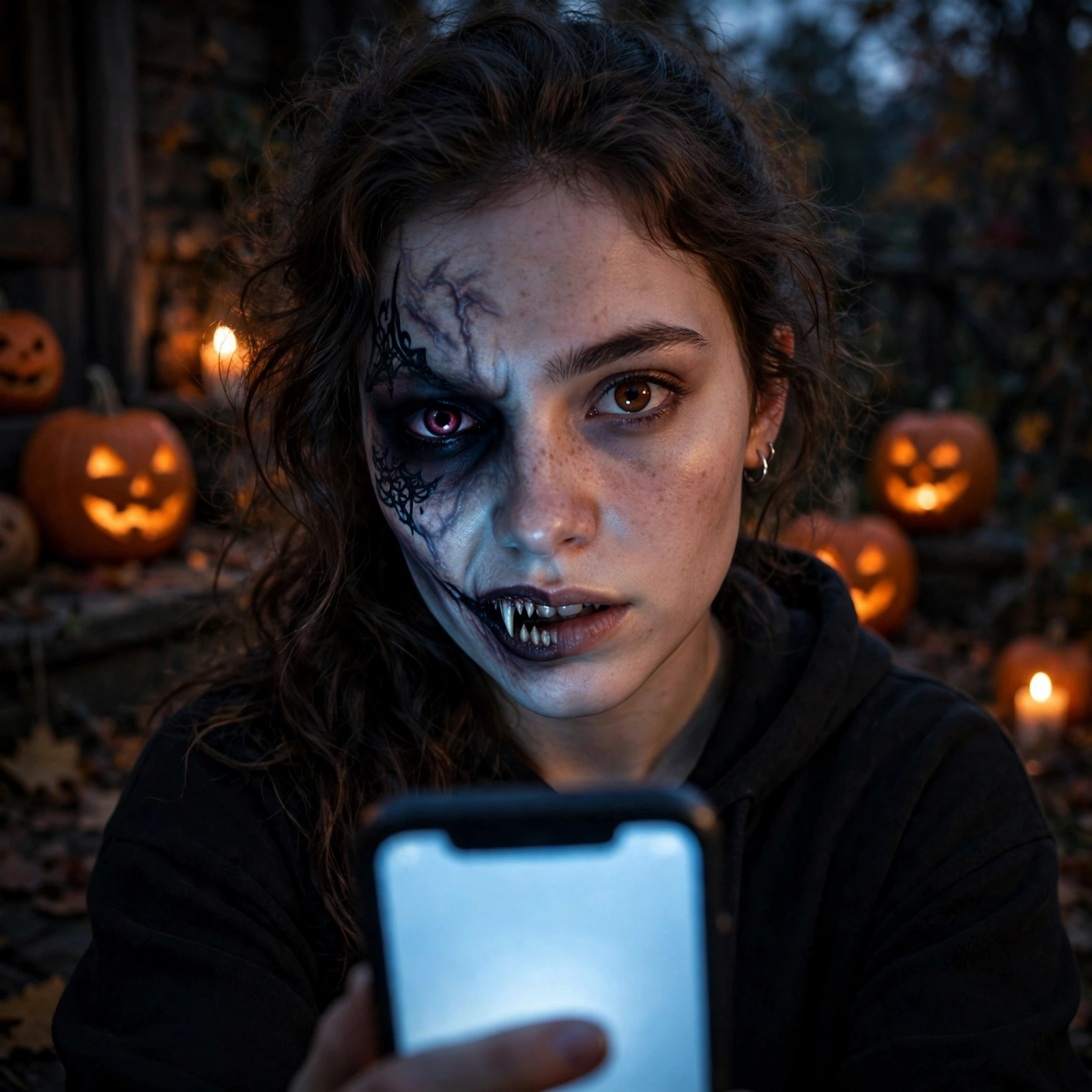
The honest shortlist: free AI Halloween tools that actually work
If you want a spooky selfie in the next two minutes, start with Fotor’s free zombie filter or Pixelbin’s trend generator. If you want the biggest template library to browse, Media.io is the deepest free-to-try option. For wallpapers, WOMBO Dream is the fastest free route. Here is the whole field at a glance:
| Tool | Genuinely free tier | Where the paywall starts |
|---|---|---|
| Media.io | Free to try; 2,000+ creative effect templates incl. Halloween “Demon Queen Transform”; multi-model support (Sora 2, Veo 3, Nano Banana) | “Free to try” — heavy generation and full resolution sit behind credits/plans |
| Fotor | Free AI zombie filter: auto-detects faces, applies zombie makeup in one click, online | Advanced edits and HD exports push toward paid plans |
| Pixelbin | 3 free generations per month (no signup), HD download, no watermark; +10 free credits if you sign up | After the free credits, you upgrade for more generations and API access |
| YouCam | Free AI Halloween photo editor: AI Replace + AI Background Generator; YouCam Makeup and YouCam Perfect apps free | Premium filters and effects inside the apps |
| WOMBO Dream | Quick free Halloween wallpapers; 4.8 App Store stars | Free tier shows ads and watermarks; paid plan removes them |
The 5 tools, one by one
1. Media.io — biggest template library
Media.io’s Halloween AI Effects page lets you upload a selfie and apply spooky filters and scary makeup free online — including the viral-style “Demon Queen Transform” template. The suite spans 2,000+ creative effect templates with multi-model support (Sora 2, Veo 3, Nano Banana) and is free to try. Good first stop if you want to browse lots of looks before committing.
2. Fotor — fastest zombie selfie
Fotor’s free AI zombie filter auto-detects faces and generates zombie makeup with one click. No prompt writing, no editing skills — upload, click, done. The classic “I have a party in an hour” tool.
3. Pixelbin — best quality-per-free-generation
Pixelbin’s free AI Halloween trend generator rebuilds your photo from a short prompt (e.g. “make this a vampire portrait”) instead of pasting a filter over it, so results look far more realistic. You get 3 free generations per month without signing up, downloads are HD with no watermark, and a free account adds 10 more credits. Verified on their page today.
4. YouCam — best free editor, not just a filter
YouCam is positioned as the free AI Halloween photo editor for 2026, with AI Replace and an AI Background Generator — so you can drop your selfie into a haunted mansion or swap your clothes for a costume. YouCam Makeup is the free app for AI Halloween portraits, and YouCam Perfect carries the free skeleton/Catrina filter.
5. WOMBO Dream — quickest free wallpapers
If your goal is a spooky phone wallpaper rather than a selfie edit, WOMBO Dream generates them fast and free — with the trade-off that the free tier shows ads and watermarks (4.8 stars on the App Store).
One more worth knowing: Picsart integrated Google’s Nano Banana 2.1 into its AI Playground on October 7, 2026 (1K/2K/4K exports, 15 aspect ratios, multi-turn editing), and Picsart also ships 60+ spooky stickers plus Halloween-themed video editing — useful if you want your Halloween look in motion. Nano Banana itself is Gemini’s fast, free image model inside the Gemini app: quick playful edits, no advanced skills needed.
5 free prompts to copy right now
You do not need to buy anything to start — these five fully written prompts work in Pixelbin, Media.io, or Nano Banana in the Gemini app. Copy, paste, upload a selfie:
- Vampire portrait: “Turn this photo into a cinematic vampire portrait: pale skin, darkened eyes, subtle fangs, black Victorian collar, foggy moonlit background, realistic photo style.”
- Zombie close-up: “Add realistic zombie makeup to this face: cracked gray-green skin, dark sunken eyes, dried blood at the corners of the mouth, torn clothing, horror movie still.”
- Demon queen: “Transform into a demon queen: glowing red eyes, dark horns, black crown, smoky embers background, dramatic fantasy lighting, ultra detailed.”
- Gothic Catrina: “Day of the Dead Catrina sugar-skull face paint on this face: colorful floral details, elegant, symmetrical, dark background with marigold flowers.”
- Spooky phone wallpaper: “Haunted Victorian mansion at night, full moon behind clouds, bare twisted trees, glowing pumpkin lanterns on the path, vertical phone wallpaper, no text.”

🎃 The full 30,000-prompt Halloween set (paid)
The five samples above are free forever — but if you want a deep library of ready-made Halloween and Christmas prompts (vampire looks, zombie filters, demon-queen templates, gothic art, party scenes and thousands more), our 30,000 Halloween & Christmas AI Image Prompts pack on Payhip has the complete set, organized and ready to paste. $9.99 for the full pack.
5 tips for better AI selfies
Straight from what the tools themselves recommend — these five habits make or break your result:
- Use a clear, well-lit photo with your face looking directly at the camera.
- Avoid heavy shadows, sunglasses or face coverings — the AI needs your actual face to blend the effect realistically.
- Keep prompts simple: short words and sentences beat paragraphs (“add a Ghostface to this image” works better than a wall of adjectives).
- Try 2–3 styles on the same photo — the zombie filter may suit one face while the vampire look suits another.
- Spend your free generations wisely: on Pixelbin you get 3 free per month, so pick your best photo first.
Frequently asked questions
What is the best free AI Halloween photo editor in 2026?
For selfies: Fotor’s free one-click zombie filter (auto face detection) or Pixelbin’s trend generator (3 free generations per month, HD download, no watermark). For a fuller editor: YouCam, free, with AI Replace and an AI Background Generator.
How many free Halloween generations does Pixelbin allow?
Three per month, without even signing up. A free account adds 10 more credits you can spend on this tool or Pixelbin’s other AI tools.
Do free AI Halloween tools leave watermarks?
It depends. Pixelbin’s free HD downloads carry no watermark. WOMBO Dream’s free tier does watermark its exports and shows ads — removing them needs the paid plan.
Can I make a free Halloween phone wallpaper with AI?
Yes — WOMBO Dream makes them free and fast (ads + watermark on the free tier), or use Pixelbin for a custom spooky portrait with HD, watermark-free downloads, three free generations per month.
Where do the viral Halloween selfie trends come from?
The 2026 vampire, zombie and “Demon Queen” selfie trends run on free-to-try tools: Media.io’s Demon Queen Transform template and its 2,000+ effect templates, Fotor’s one-click zombie filter, and Pixelbin’s prompt-based Halloween trend generator.
🛍️ Visit our main shop: VeloSparkDigital on Etsy
2026 کے بہترین مفت AI ہالووین ٹولز: خوفناک اوتار اور تصاویر
مفت ٹولز کا دعویٰ کرنے والی ہر ویب سائٹ اصل میں اشتہار ہوتی ہے — یہ گائیڈ بتاتا ہے کہ کون سا مفت پلان واقعی کام کرتا ہے اور ادائیگی کہاں سے شروع ہوتی ہے۔ بہترین تیز آپشن: Fotor کا مفت زومبی فلٹر چہرہ خود پہچانتا ہے اور ایک کلک میں میک اپ لگا دیتا ہے۔
مفت نتائج کے لیے 5 تجاویز
- صاف اور روشن تصویر استعمال کریں، چہرہ سیدھا کیمرے کی طرف ہو۔
- دھوپ کے چشمے یا بھاری سائے والی تصاویر سے بچیں۔
- مختصر الفاظ میں پرامپٹ لکھیں — لمبی تفصیل کی ضرورت نہیں۔
- ایک ہی تصویر پر 2–3 اسٹائل آزمائیں۔
- Pixelbin پر مہینے میں صرف 3 مفت جنریشنز ملتی ہیں — بہترین تصویر پہلے استعمال کریں۔
مفت اوزار: velosparkdigital.com/free-tools — 220+ مفت ٹولز۔ مکمل 30,000 پرامپٹس کا سیٹ (ادائیگی شدہ): Payhip پر دیکھیں۔
بہترین مفت AI ہالووین ایڈیٹر کون سا ہے؟
سیلفی کے لیے Fotor کا مفت زومبی فلٹر یا Pixelbin (مہینے میں 3 مفت، HD، بغیر واٹرمارک)۔ مکمل ایڈیٹر کے لیے YouCam مفت ہے۔
کیا مفت ٹولز واٹرمارک لگاتے ہیں؟
Pixelbin کی مفت ڈاؤن لوڈز پر کوئی واٹرمارک نہیں ہوتا؛ WOMBO Dream کے مفت ورژن میں واٹرمارک اور اشتہارات ہوتے ہیں۔
2026 के सर्वश्रेष्ठ मुफ़्त AI हैलोवीन टूल्स: डरावने अवतार और तस्वीरें
“मुफ़्त AI हैलोवीन टूल्स” की हर सूची असल में विक्रेता का विज्ञापन होती है — यह गाइड बताता है कि कौन सा मुफ़्त प्लान सच में काम करता है और पेवॉल कहां से शुरू होता है। सबसे तेज़ विकल्प: Fotor का मुफ़्त ज़ॉम्बी फ़िल्टर चेहरा खुद पहचानता है और एक क्लिक में मेकअप लगा देता है।
बेहतर नतीजों के लिए 5 सुझाव
- साफ़ और रोशन तस्वीर इस्तेमाल करें, चेहरा सीधे कैमरे की ओर हो।
- धूप के चश्मे या भारी छायाओं वाली तस्वीरों से बचें।
- छोटे शब्दों में प्रॉम्प्ट लिखें — लंबी व्याख्या की ज़रूरत नहीं।
- एक ही तस्वीर पर 2–3 स्टाइल आज़माएं।
- Pixelbin पर महीने में सिर्फ़ 3 मुफ़्त जनरेशन मिलती हैं — सबसे अच्छी तस्वीर पहले इस्तेमाल करें।
मुफ़्त टूल्स: velosparkdigital.com/free-tools — 220+ मुफ़्त टूल्स। पूरे 30,000 प्रॉम्प्ट्स का सेट (पेड): Payhip पर देखें।
सबसे अच्छा मुफ़्त AI हैलोवीन एडिटर कौन सा है?
सेल्फी के लिए Fotor का मुफ़्त ज़ॉम्बी फ़िल्टर या Pixelbin (महीने में 3 मुफ़्त, HD, बिना वॉटरमार्क)। पूरे एडिटर के लिए YouCam मुफ़्त है।
क्या मुफ़्त टूल्स वॉटरमार्क लगाते हैं?
Pixelbin की मुफ़्त डाउनलोड्स पर कोई वॉटरमार्क नहीं होता; WOMBO Dream के मुफ़्त वर्शन में वॉटरमार्क और विज्ञापन होते हैं।
Mejores Herramientas IA Gratuitas de Halloween 2026: Avatares y Fotos
Casi todas las listas de “herramientas IA gratuitas de Halloween” son publicidad encubierta de los vendedores — esta guía muestra qué plan gratis funciona de verdad y dónde empieza el pago. La opción más rápida: el filtro zombi gratis de Fotor detecta tu cara y aplica el maquillaje con un clic.
5 consejos para mejores resultados
- Usa una foto clara y bien iluminada, con la cara mirando a la cámara.
- Evita gafas de sol o sombras fuertes en la foto.
- Escribe el prompt con palabras cortas — sin párrafos largos.
- Prueba 2–3 estilos en la misma foto.
- Pixelbin solo da 3 generaciones gratis al mes — usa tu mejor foto primero.
Herramientas gratis: velosparkdigital.com/free-tools — más de 220 herramientas. El set completo de 30.000 prompts (de pago): ver en Payhip.
¿Cuál es el mejor editor IA de Halloween gratis en 2026?
Para selfies: el filtro zombi gratis de Fotor o Pixelbin (3 gratis al mes, HD, sin marca de agua). Como editor completo: YouCam, gratis.
¿Las herramientas gratis dejan marca de agua?
Las descargas gratis de Pixelbin no tienen marca de agua; la versión gratis de WOMBO Dream sí pone marca de agua y muestra anuncios.
أفضل أدوات الذكاء الاصطناعي المجانية للهالوين 2026: صور مرعبة وصور شخصية
معظم قوائم “أدوات هالوين المجانية” هي في الحقيقة إعلانات للبائعين — يوضح هذا الدليل أي خطة مجانية تعمل فعلًا وأين يبدأ الدفع. أسرع خيار: فلتر الزومبي المجاني من Fotor يكتشف وجهك تلقائيًا ويطبق المكياج بنقرة واحدة.
5 نصائح لنتائج أفضل
- استخدم صورة واضحة وجيدة الإضاءة ووجهك مواجه للكاميرا.
- تجنب النظارات الشمسية أو الظلال الثقيلة في الصورة.
- اكتب الوصف بكلمات قصيرة — لا حاجة لفقرات طويلة.
- جرّب 2–3 أنماط على الصورة نفسها.
- Pixelbin يمنحك 3 توليدات مجانية فقط شهريًا — استخدم أفضل صورة أولًا.
أدوات مجانية: velosparkdigital.com/free-tools — أكثر من 220 أداة. المجموعة الكاملة من 30,000 موجه (مدفوعة): شاهدها على Payhip.
ما أفضل محرر هالوين مجاني بالذكاء الاصطناعي في 2026؟
للصور الشخصية: فلتر الزومبي المجاني من Fotor أو Pixelbin (3 مجانًا شهريًا، بجودة HD، بدون علامة مائية). كمحرر كامل: YouCam مجاني.
هل الأدوات المجانية تترك علامة مائية؟
تنزيلات Pixelbin المجانية بدون علامة مائية؛ النسخة المجانية من WOMBO Dream تضع علامة مائية وتعرض إعلانات.
Beste kostenlose KI-Halloween-Tools 2026: Gruselige Avatare & Fotos
Fast jede Liste „kostenloser KI-Halloween-Tools” ist in Wahrheit Verkäufer-Werbung — dieser Guide zeigt, welcher Gratis-Tarif wirklich funktioniert und wo die Bezahlschranke beginnt. Schnellste Option: Fotors kostenloser Zombie-Filter erkennt dein Gesicht automatisch und trägt das Make-up mit einem Klick auf.
5 Tipps für bessere Ergebnisse
- Nutze ein klares, gut beleuchtetes Foto — Gesicht direkt zur Kamera.
- Keine Sonnenbrille und keine starken Schatten auf dem Foto.
- Prompts kurz halten — keine langen Absätze nötig.
- 2–3 Stile am selben Foto ausprobieren.
- Pixelbin gibt nur 3 Gratis-Generierungen pro Monat — zuerst dein bestes Foto nutzen.
Kostenlose Tools: velosparkdigital.com/free-tools — über 220 Tools. Das komplette 30.000-Prompts-Set (kostenpflichtig): auf Payhip ansehen.
Was ist der beste kostenlose KI-Halloween-Editor 2026?
Für Selfies: Fotors kostenloser Zombie-Filter oder Pixelbin (3 gratis pro Monat, HD, ohne Wasserzeichen). Als kompletter Editor: YouCam, kostenlos.
Lassen Gratis-Tools Wasserzeichen zurück?
Pixelbins Gratis-Downloads haben kein Wasserzeichen; die Gratis-Version von WOMBO Dream setzt ein Wasserzeichen und zeigt Werbung.
Лучшие бесплатные ИИ-инструменты для Хэллоуина 2026: жуткие аватары и фото
Почти все списки «бесплатных ИИ-инструментов для Хэллоуина» — это на самом деле реклама продавцов. Этот гид показывает, какой бесплатный тариф действительно работает и где начинается платный доступ. Самый быстрый вариант: бесплатный зомби-фильтр Fotor сам находит лицо и накладывает макияж в один клик.
5 советов для лучших результатов
- Используйте чёткое, хорошо освещённое фото — лицо прямо в камеру.
- Избегайте тёмных очков и глубоких теней на фото.
- Пишите промпт короткими словами — длинные абзацы не нужны.
- Пробуйте 2–3 стиля на одном фото.
- Pixelbin даёт только 3 бесплатные генерации в месяц — используйте лучшее фото первым.
Бесплатные инструменты: velosparkdigital.com/free-tools — более 220 инструментов. Полный набор из 30 000 промптов (платный): смотреть на Payhip.
Какой лучший бесплатный ИИ-редактор для Хэллоуина в 2026 году?
Для селфи: бесплатный зомби-фильтр Fotor или Pixelbin (3 бесплатно в месяц, HD, без водяных знаков). Как полноценный редактор: бесплатный YouCam.
Оставляют ли бесплатные инструменты водяные знаки?
Бесплатные загрузки Pixelbin — без водяных знаков; бесплатная версия WOMBO Dream ставит водяной знак и показывает рекламу.
© 2026 VeloSpark Digital · Practical guides, checked against official sources.

Written by Umar Hayat, founder of VeloSpark Digital and owner of Umar and Brothers (computers and mobile) in Toba Tek Singh, Punjab, Pakistan. He plans, builds and fact-checks every tool and guide on this site.
Related free tools: Background Remover · Image Compressor · Resize Image to KB · All free tools
Need an AI video ad, a logo or a design for your business? See our services.
Enjoying our free tools and guides? Add VeloSpark Digital as a preferred source on Google