
Free Alternatives to Paid AI Tools: What Is Really Free
Quick answer: Yes — you can replace several paid AI tools for free, but free rarely means unlimited or licensed for paid work. Fish Audio gives about 7 free voice minutes a month, personal projects only. Google Flow gives 50 free credits a day — five Veo 3.1 Lite clips. Pomelli builds marketing campaigns free. Kling’s daily free credits do not exist.
A viral video format promises a free replacement for every paid AI tool. Every tool below was verified against vendor pages and Google’s official help in November 2026 — allowance, watermark, commercial-use line printed.


Is Fish Audio a free alternative to ElevenLabs?
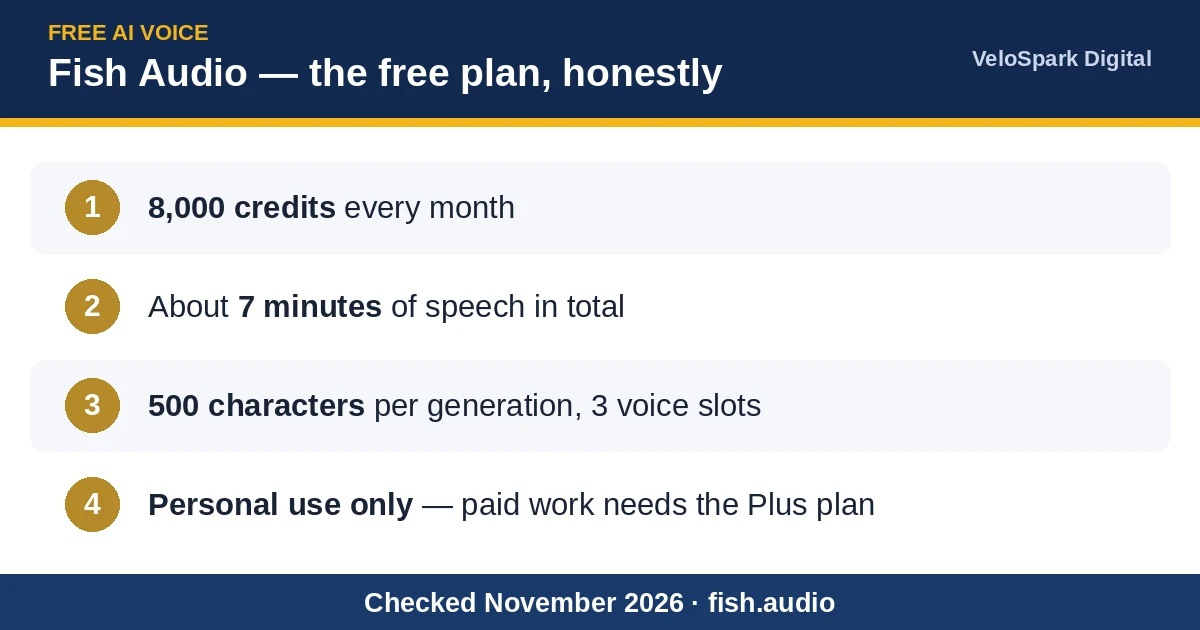
Partly — and the strongest free voice option we found. Fish Audio gives free users 8,000 credits a month, about 7 minutes of speech, 500 characters per generation, 3 voice slots. Its Drama 3 model adds directed, expressive speech with tags like [whispers]. The catch is commercial use. Fish’s pricing page contradicts itself — the free card ticks commercial use while the FAQ and Terms limit free content to personal, non-commercial projects. Treat free as personal-only. Credit Fish Audio on published audio. For paid work, the cheapest compliant tier is Plus at $11 a month billed yearly: 250,000 credits, about 200 minutes, commercial use included. ElevenLabs gives 10,000 free credits a month — also non-commercial.
Where did Google ImageFX go?
Google retired it. ImageFX was a free Google Labs image tool; on 25 February 2026 Google announced its move into Google Flow, and the standalone tool shut down on 30 April 2026 — the old address now forwards to Flow. Generation continues free inside Flow on the Nano Banana models (Google sign-in, 18 and over). Flow images draw on the same credit pool as Flow video, counted exactly in the next section.
How many free credits does Google Flow really give?
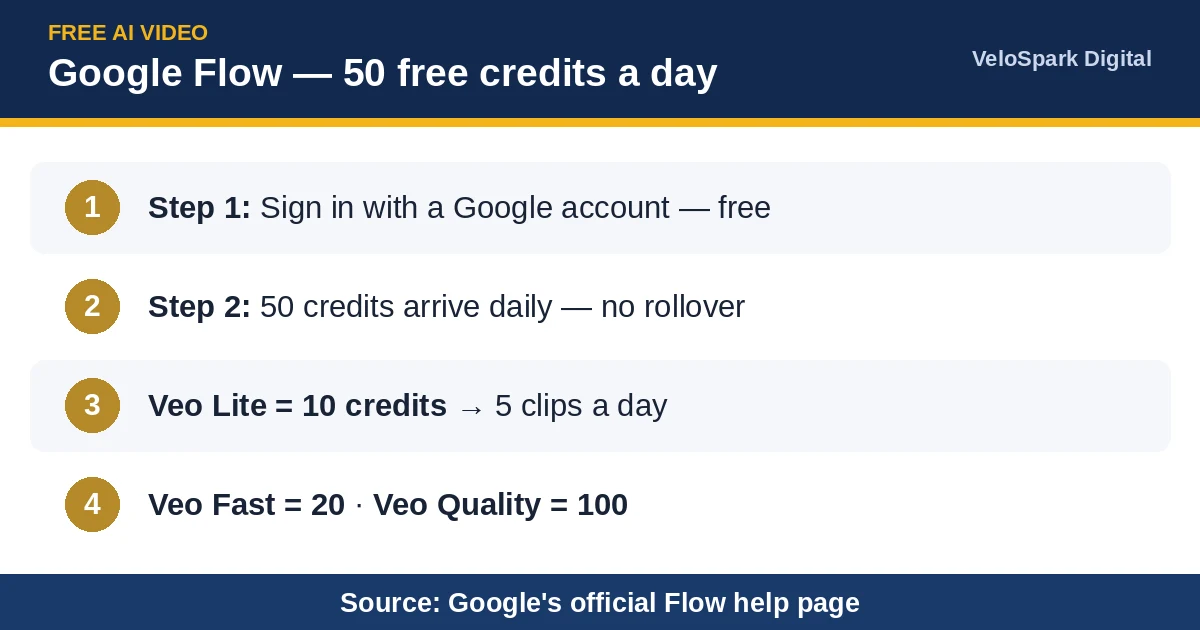
Google’s help page settles it: 50 Google Flow credits per day, with or without a subscription, no rollover. At current prices — Veo 3.1 Lite at 10 credits, Veo 3.1 Fast at 20, Veo 3.1 Quality at 100 — a free account makes 5 Lite clips or 2 Fast clips a day; Quality, at 100, is out of reach. Monthly pools exist only on paid plans: Plus adds 200 a month ($4.99), Pro 1,000 ($19.99). Free generation can pause at peak hours, and there is no free 1080p upscale. Veo 3.1 Fast and Quality retire 5 December 2026.
Is Pomelli really free?
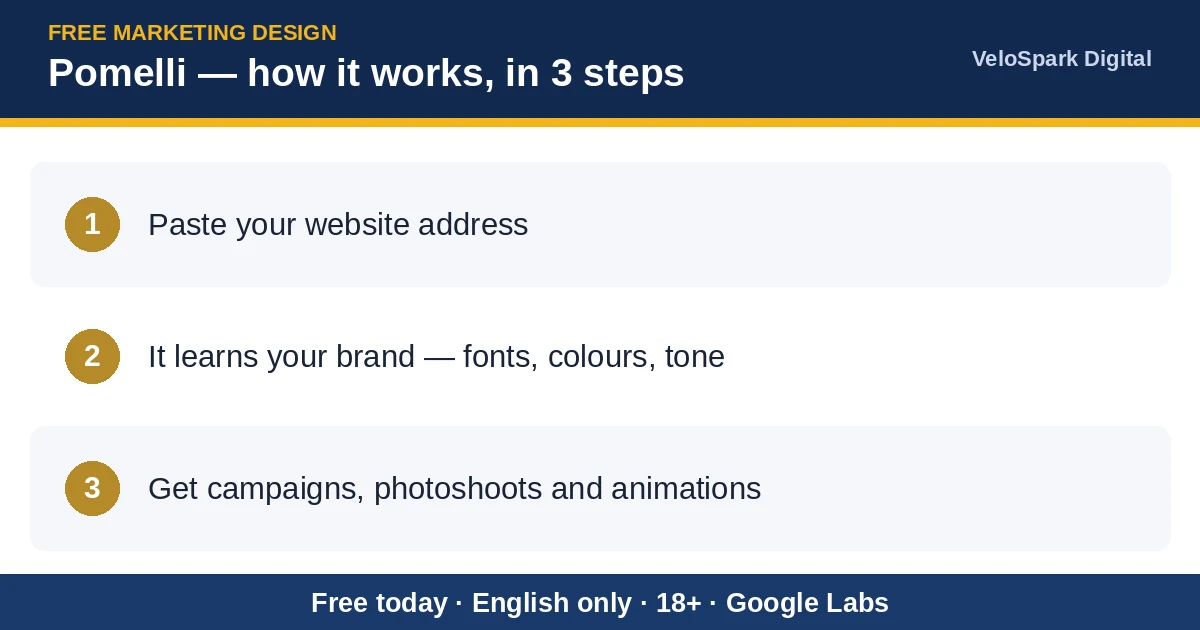
Yes, right now — the best free find here for small businesses. Pomelli is a Google Labs experiment: paste your website and it builds your Business DNA (tone, fonts, colours, images), then generates on-brand campaigns, photoshoots, animations and brand books. Google offers it free, capped at several hundred generations; no paid plan is published, so free is current positioning, not a promise. English only, 18 and over. Google’s official country list runs to 202 territories and includes Pakistan, India, the US, the UK and most of the EU.
Does Kling give free credits every day?

No. Kling AI‘s own plan table gives the free Basic plan no monthly credits at all. Free users get a sign-up grant plus a monthly login allowance for non-subscribers — an amount Kling does not publish, valid 31 days. Daily login credits exist, but Kling’s Credits Policy ties them to subscribers and events. The famous 66 a day is a mix-up: 66 is the purchase rate, 1 dollar equals 66 credits. Free exports carry a watermark, sit at 720p in most current readings, and exclude commercial use. For paid work: Standard, $6.99 first month then $8.80 — 660 credits a month, no watermark, 1080p, commercial use.
What other genuinely free AI tools are worth trying?
ChatGPT Images 2.6 (4 November 2026) makes native animated GIFs and sits in every tier, Free included. OpenAI publishes no free GIF allowance; any quoted daily number is a guess. chatgpt.com
Strawberry 1.0 is an AI browser whose companions work inside your logged-in tabs. Free: 500 credits a month, no card, Mac and Windows. One independent test burned all 500 credits in 12 minutes. strawberrybrowser.com
ngram 2.0 turns a prompt, documents or a URL into an explainer or avatar video. At launch, free gave 600 one-time credits — about 60 seconds — at 720p, watermarked, no MP4 download, non-commercial. But a 3 November re-check listed 1,000 credits a month instead — terms moved within weeks; read ngram’s pricing page the day you sign up.
Sentient OS is the privacy pick: a free, open-source agent under the AGPL licence, running a local model on your Mac and reading only sources you enable. Apple Silicon Mac only (M1+, macOS 15.4+); Windows is a waitlist. sentient-os.ai
Paid tool vs free alternative: the honest table

| Paid tool | Free alternative | What free really gives you | The catch |
|---|---|---|---|
| ElevenLabs | Fish Audio | 8,000 credits a month, about 7 minutes | Personal use only; commercial use needs Plus, $11 a month billed yearly |
| Standalone ImageFX (retired) | Google Flow image generation | Free images on Nano Banana models | Draws on the same 50 daily Flow credits; Google sign-in, 18+ |
| Veo 3.1 on paid plans | Google Flow free tier | 50 credits a day: 5 Lite clips or 2 Fast clips | Quality: 100 a clip; no rollover; peak-hour pauses |
| Paid marketing design tools | Pomelli | Campaigns and photoshoots from your website | Currently free, not guaranteed; English only; capped |
Which paid AI tools are worth it, and how do you use each one free?

Three paid tools from this month’s launches earn their price; each entry prints the price and the maker’s official free route — official routes only. Exception: beyond a sign-up grant and an unpublished login allowance, Kling has no official free route.
Screen Studio 4.0, the Mac screen recorder: auto-zoom recordings, the Glass Loupe, a camera cutout, edit-by-transcript. Export: $29 a month or $9 billed yearly ($108 a year); no lifetime licence for new buyers. Official free route: all features free to try — pay only at export — plus a 40 percent education discount. macOS only.
Onepin fixes the one word your AI voice got wrong — names, prices, drug terms — without re-rendering the take. Creator: $16 a month billed yearly ($20 monthly); Studio $80, Scale $240. Official free route: 1,000 one-time credits (about 15 minutes), no card — but no download or export on free. Pronunciation repair is beta, US and UK English only.
Wanaka Studio builds playable 3D games from a description. Pro: $19 a month ($180 a year); Max $49; Ultra $200. Official free route: 60 credits per rolling 24 hours, watermark lock on free creations.
What is coming soon?
Not fully available yet — distrust anyone promising access today. Genie 4 builds real-time worlds you walk through, steered by text, now with native audio and dialogue; it is a research preview for trusted testers only, with no price and no public sign-up, and Google names Project Genie for AI Ultra subscribers as the next route. ChatGPT Images 2.6 GIFs are rolling out gradually and unevenly: one hands-on test in Codex asked for a GIF and received a single-frame PNG. Hype is not access.
Six tools that should exist
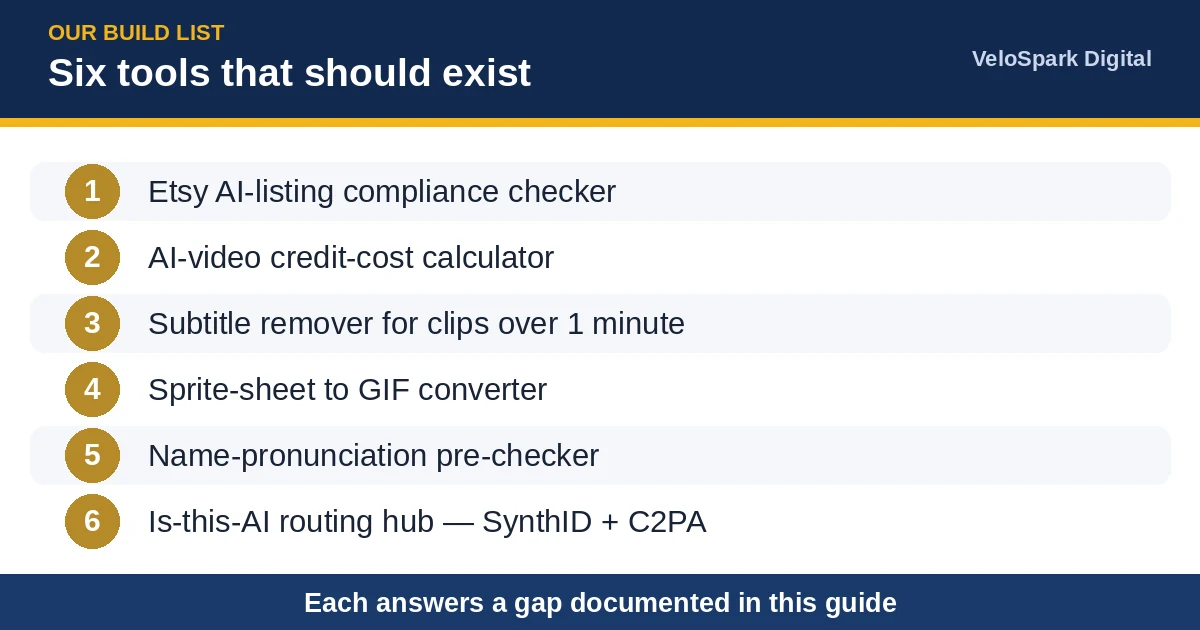
No vendor sells these yet; each answers a documented gap from this month’s research — our build list.
An Etsy AI-listing compliance checker. Etsy rewrote its AI and listing-image rules on 22 October 2026 (unedited real photo required, enforcement from early 2027); sellers must audit old listings now, and no checker exists.
An AI-video credit-cost calculator. Pick a model, seconds and retries; see credits, clips per plan and cost per usable clip, check-date printed. Credit confusion is the month’s top creator pain.
A subtitle remover for clips over one minute, with manual area selection. One creator documents tools burning subtitles in even when told not to — over $10 a clip to regenerate; existing removers cap below one minute.
A sprite-sheet to GIF converter. Images 2.6 tutorials tell users to generate a frame sheet and assemble it locally — then name no tool for the assembly.
A name-pronunciation pre-checker for voiceover scripts, specialised in Pakistani and South Asian names; Onepin’s repair covers US and UK English only.
An is-this-AI routing hub sending files to the authoritative checks — SynthID (opened to everyone 7 October 2026) and C2PA credentials. Generic detectors falsely flagged 61.3 percent of non-native English essays in cited research; not detected does not mean real.
When is free not enough?
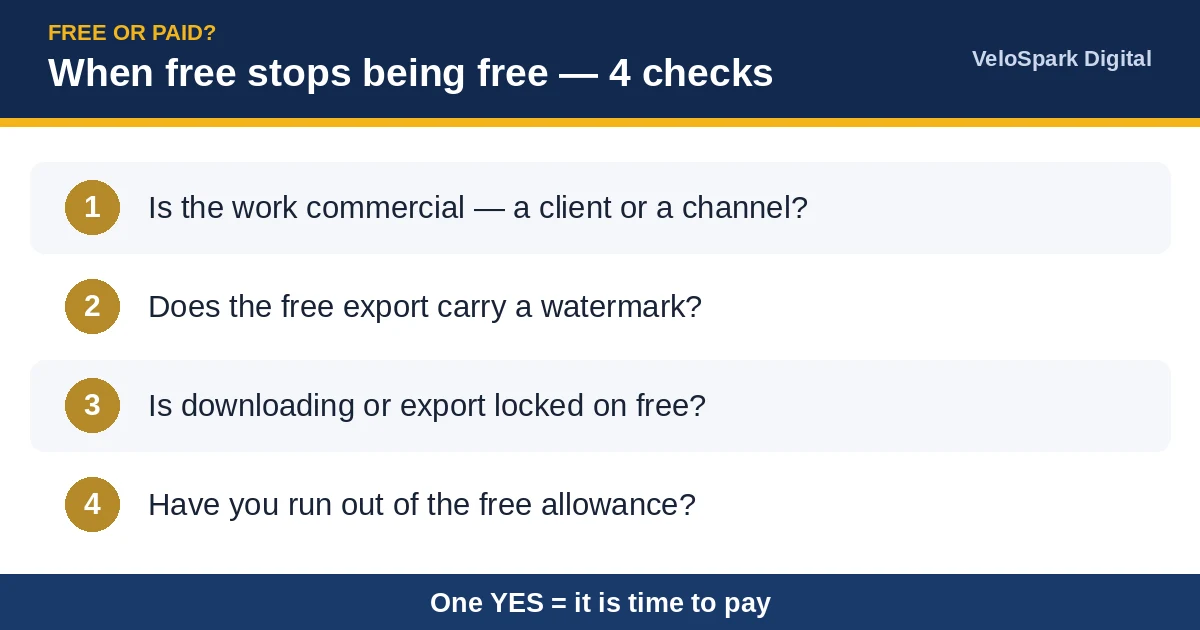
Free stops being free at four predictable points. Commercial rights: the moment a voice, clip or image goes into client work or a monetized channel, the free terms of Fish Audio and Kling no longer cover you. Watermarks: a watermarked export cannot be delivered to a client. Export locks: some free tiers will not let the work leave — Onepin’s free plan allows playback in the app but no download. Volume: 7 minutes of voice, 5 short clips a day — a learning allowance, not production. The pay line is low: Fish Plus is $11 a month billed yearly; Kling Standard starts at $6.99.
Free tools that stay free: our own library
Not every job needs AI, and the tools below carry no credits, counters or watermarks. Our free tools library holds 242 browser tools: Merge PDF, the Image Size Checker, and the Background Remover for product photos.
Frequently asked questions
Is Fish Audio really free?
Yes: 8,000 credits a month, about 7 minutes of speech — personal, non-commercial projects only, per Fish’s FAQ and Terms. Paid work needs Plus, $11 a month billed yearly.
Does Kling AI give free credits every day?
No. The free Basic plan gets no monthly credits; free credits come from a sign-up grant and an unpublished login allowance. Exports: watermarked, non-commercial.
How many free credits does Google Flow give?
50 per day, subscription or not, no rollover: Lite 10 (5 clips a day), Fast 20 (2 a day), Quality 100.
What happened to Google ImageFX?
Retired 30 April 2026 and folded into Google Flow, where images stay free on the same 50 daily credits.
Is Pomelli really free?
Currently yes: no charge, capped at several hundred generations, English only, 18-plus, Pakistan included in Google’s list. A current positioning, not a promise.
When should I pay instead of using a free tier?
When output is commercial, a watermark blocks delivery, exports are locked, or volume passes the free allowance. First steps are small: Fish Plus, $11 a month billed yearly; Kling Standard, $6.99 first month.
Related pages
Creators and sellers: want the video or the design made for you instead? Our studio produces AI video ads and design work for small brands. Order via Whop (also on Gumroad), or see our services page.
How this guide was made
Checked November 2026: Google’s official Flow help (credits page and country lists, fetched from support.google.com on 7 November 2026), Fish Audio’s pricing, FAQ and Terms in dated checks from October and November 2026, Kling’s plan table and Credits Policy, and the launch and pricing pages of the other tools named. Free tiers change fast, so re-check a price before you rely on it. Drafted with AI assistance; fact-checked by an editor.
🛍️ Visit our main shop: VeloSparkDigital on Etsy
© 2026 VeloSpark Digital · Practical guides, checked against official sources.

Written by Umar Hayat, founder of VeloSpark Digital and owner of Umar and Brothers (computers and mobile) in Toba Tek Singh, Punjab, Pakistan. He plans, builds and fact-checks every tool and guide on this site.
Related free tools: Background Remover · Image Compressor · Resize Image to KB · All free tools
Need an AI video ad, a logo or a design for your business? See our services.
Enjoying our free tools and guides? Add VeloSpark Digital as a preferred source on Google